
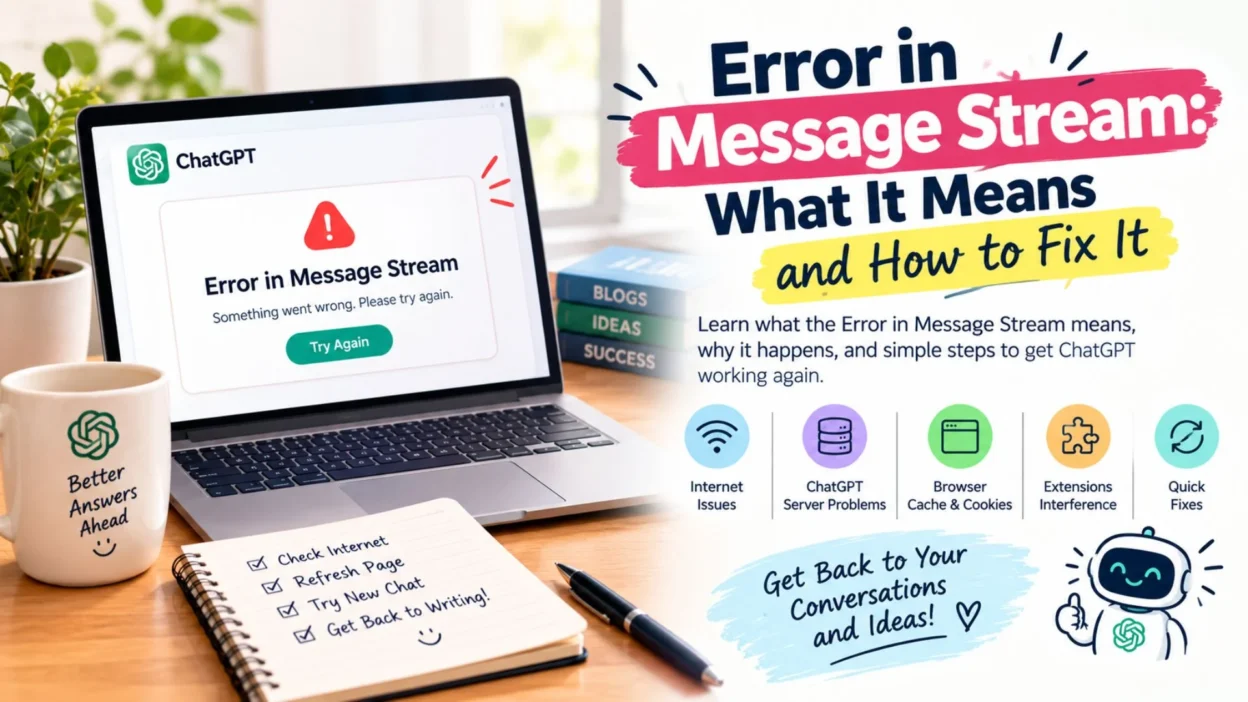
Have you ever been using ChatGPT when a message suddenly appears saying “Error in Message Stream”? This error can be frustrating, especially when you are writing an article, asking a question, or working on an important task.
The good news is that this error does not always mean something is wrong with your account. It may happen because of a temporary connection problem, a browser issue, or a problem while ChatGPT generates a response.
In this guide, you will learn what the Error in Message Stream means, why it happens, and how to fix it with simple troubleshooting steps.
What Is Error in Message Stream?
The Error in Message Stream is a message that may appear when ChatGPT cannot properly deliver its response to your screen.
ChatGPT generates responses gradually instead of sending the entire answer at once. If the connection is interrupted or something goes wrong during this process, the response may stop before it is complete.
For example, you might ask ChatGPT to write a 2,000-word article. It begins writing the content but suddenly stops and displays an error message.
This does not necessarily mean your prompt is incorrect. The problem may be temporary and could disappear after you retry the request.
Why Does Error in Message Stream Happen?
Several issues can cause this error. Understanding the possible reasons can help you choose the right solution.
1. Unstable Internet Connection
A weak or unstable internet connection can interrupt communication between your browser and ChatGPT. Even if other websites open, your connection may still experience brief interruptions.
Try opening another website to check whether your internet is working normally.
2. Temporary ChatGPT Server Issues
Sometimes, ChatGPT may experience service disruptions or unusually high demand. In these situations, responses may fail to load correctly.
You can check the official OpenAI status page to see whether any problems have been reported.
3. Long Prompts or Responses
Long requests, such as detailed blog posts, guides, and articles, may take longer to generate. A long response can sometimes be interrupted by a connection or generation problem.
If you are asking ChatGPT to write a lengthy article, try dividing it into smaller sections.
4. Browser Cache Problems
Your browser stores temporary files to help websites load faster. Occasionally, cached data can cause unexpected website problems.
Refreshing the page or testing ChatGPT in a private browsing window may help identify the issue.
5. Browser Extensions
Some browser extensions may interfere with website functionality. Privacy tools, content blockers, or other extensions can sometimes affect how pages operate.
Testing ChatGPT with extensions disabled can help determine whether one of them is causing the problem.
How to Fix Error in Message Stream
Try these solutions one at a time. After each step, check whether ChatGPT can generate a response normally.
Method 1: Regenerate the Response
If the error appears after you send a message, use the available retry or regenerate option.
If that option is unavailable, send your request again in the same chat or start a new conversation.
For a long article, ask ChatGPT to continue from the last completed section instead of repeating the entire request.
Method 2: Refresh the Page
A simple refresh can sometimes resolve a temporary loading issue.
- Save any text you have already received.
- Refresh the ChatGPT page.
- Wait for the conversation to load.
- Send your prompt again if necessary.
On Windows or Chromebook, you can also try Ctrl + Shift + R to perform a hard refresh.
Method 3: Check Your Internet Connection
Make sure your connection is stable before sending another request.
You can try reconnecting to Wi-Fi or restarting your router if other websites are also experiencing problems.
Avoid repeatedly submitting the same long prompt while your connection is unstable.
Method 4: Start a New Chat
Sometimes, an error keeps appearing in a particular conversation.
Open a new chat and send a short test message. If it works, try your original request again.
Keep a copy of your article prompt so you can reuse it without losing your work.
Method 5: Try Incognito Mode
A private browsing window can help you determine whether browser extensions or stored website data are contributing to the issue.
In Chrome, press Ctrl + Shift + N to open an Incognito window. Sign in to ChatGPT and try sending a short message.
If ChatGPT works there, review your browser extensions and cached data.
Method 6: Check the OpenAI Status Page
If the problem continues across different chats and browsers, the issue may be related to the service itself.
Visit the official status page:
Check whether ChatGPT has a reported outage or degraded performance. If there is an active incident, you may need to wait until the service is restored.
Method 7: Update Your Browser
An outdated browser can sometimes cause website compatibility problems.
Check whether your browser has an available update. Install it if needed, restart the browser, and try ChatGPT again.
You can also test another supported browser to see whether the problem is browser-specific.
How to Avoid Error in Message Stream When Writing Articles
If you regularly use ChatGPT to create blog posts, this error can interrupt your workflow. These simple habits may help reduce disruption.
- Write articles in sections: Request the introduction, individual main sections, and conclusion separately when necessary.
- Use clear prompts: Explain the topic, target keyword, headings, tone, and approximate word count.
- Save your content: Copy completed sections into your document editor or website draft.
- Keep prompts available: Store important article instructions so you can resend them if a response fails.
- Avoid unnecessary repetition: If a response stops halfway through, ask ChatGPT to continue from the last completed heading.
- Check service status: If the error affects multiple conversations, check whether ChatGPT is experiencing an outage.
These practices cannot guarantee that the error will never happen, but they can help protect your work and make article writing easier.
Is Error in Message Stream a Problem With Your ChatGPT Account?
Not necessarily. The error alone does not prove that your account has a problem or that your account has been restricted.
It may be caused by a temporary network interruption, a browser issue, or a service-side problem. If you can send messages normally in other conversations, the issue may be limited to a particular chat or request.
If the error continues for a long time across different browsers and networks, consult the OpenAI Help Center for further assistance.
Frequently Asked Questions
What does Error in Message Stream mean in ChatGPT?
It generally means that ChatGPT could not deliver its response properly. A temporary connection issue, browser problem, or service disruption may be responsible.
Why does ChatGPT show this error when writing long articles?
Long responses may take more time to generate and can be interrupted by temporary technical issues. Dividing an article into smaller sections may help.
Can refreshing ChatGPT fix the error?
Yes, refreshing the page can resolve some temporary loading problems. However, it will not fix every possible cause.
Does Error in Message Stream mean ChatGPT is down?
No. The error can occur even when ChatGPT is generally available. Check the official OpenAI status page to see whether a service issue has been reported.
Will I lose my article if this error appears?
Not always, but an incomplete response may not contain your entire article. Save completed sections regularly so you can continue working if the response stops.
What should I do if the error keeps appearing?
Try a new chat, check your internet connection, test an Incognito window, and review the OpenAI status page. If none of these steps works, contact OpenAI support.
Conclusion
The Error in Message Stream message in ChatGPT can interrupt conversations and article writing, but it does not always indicate a serious problem. A page refresh, a stable internet connection, a new chat, or checking the service status may help resolve it.
If you frequently write long blog posts, work in smaller sections and save your content regularly. These simple habits can help you avoid losing progress and keep your writing workflow organized.

Muhammad Shahroz is a passionate writer who creates helpful content about messages and word meanings. He is committed to providing clear, accurate, and easy-to-understand information on TextsMessagez.com.