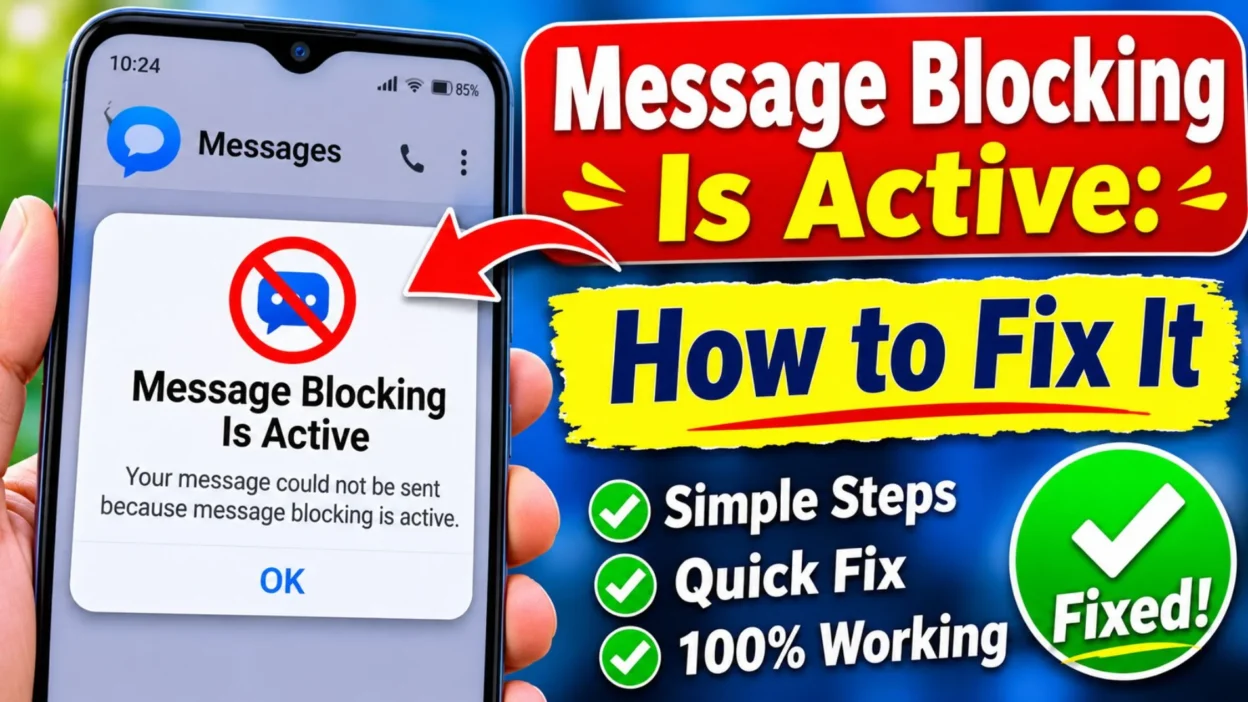
Have you ever tried to send a text message and received the error “Unable to Send Message – Message Blocking Is Active”? This problem can be frustrating, especially when you need to contact someone quickly.
The error usually means your mobile carrier or messaging service has blocked the message. It can happen on Android phones and iPhones. However, it does not always mean the other person has blocked your number.
There are several possible reasons for this issue. Your phone settings, mobile plan, blocked contacts, or carrier service may be responsible.
In this guide, you will learn what this error means, why it happens, and how to fix it with simple steps.
What Does Message Blocking Is Active Mean?
The message “Message Blocking Is Active” appears when your phone cannot deliver a text message.
In many cases, the mobile carrier rejects the outgoing message because of an account restriction or service problem.
You may see an error like this:
Free Msg: Unable to send message – Message Blocking Is Active.
This notification can appear when sending SMS or MMS messages. It may also happen when messaging a specific contact or using a short code.
The exact cause depends on your phone, carrier, and account settings.
Why Does Message Blocking Is Active Appear?
There are several reasons why your text messages may not go through. Understanding the cause can help you choose the right solution.
1. The Contact Number Is Blocked
You may have accidentally blocked the person you are trying to contact. Some phones also have separate blocked lists in their messaging apps.
Check your blocked contacts and remove the number if you want to communicate with that person.
2. Your Mobile Plan Has Restrictions
Some mobile plans do not include every type of messaging service. Your carrier may also place restrictions on outgoing texts.
Check your account or contact your mobile provider to confirm that SMS is included in your plan.
3. Your Account Has an Unpaid Balance
An unpaid bill or inactive mobile account can affect messaging services.
Some carriers restrict outgoing messages when an account has a payment issue. Check your balance and payment status before trying again.
4. There Is a Network Problem
A weak signal or temporary carrier outage can stop messages from being delivered.
Your phone may show a network connection even when the messaging service is not working properly.
Try again after a few minutes or move to an area with better reception.
5. Premium Messaging Is Disabled
Some services use short codes to send verification messages and alerts.
Your carrier may block premium or chargeable messages through account settings. Contact your provider if you cannot receive or send messages to these numbers.
6. Your SIM Card Is Not Working Properly
A damaged, inactive, or incorrectly configured SIM card can cause messaging problems.
This may happen after changing phones, replacing a SIM, or switching to an eSIM.
Ask your carrier to check whether your line is properly activated.
7. Incorrect Phone Number
A small mistake in a phone number can prevent message delivery.
Check the country code and all digits before sending another message. You can also start a new conversation instead of using an old message thread.
How to Fix Message Blocking Is Active
You do not always need technical help to solve this problem. Try these simple methods first.
1. Restart Your Phone
Restarting your phone is one of the easiest troubleshooting steps.
It can refresh your network connection and clear temporary software problems.
Follow these steps:
- Press and hold your phone’s power button.
- Select Restart.
- Wait for your phone to turn on.
- Open your messaging app.
- Send a short test message.
If the error continues, try the next solution.
2. Check Your Blocked Contacts
Make sure the number you are messaging is not on your blocked list.
On many Android phones, you can check blocked numbers through the Phone or Messages app.
In Google Messages:
- Open Google Messages.
- Tap your profile picture or menu.
- Select Spam & blocked.
- Find the contact you want to check.
- Unblock the number if necessary.
Menu names may differ depending on your phone.
On an iPhone:
- Open Settings.
- Select Apps.
- Tap Phone or Messages.
- Find Blocked Contacts.
- Review the list.
Only unblock a number if you recognize it and want to receive messages from it.
3. Check Your Mobile Signal
Your phone needs a working cellular connection to send regular SMS messages.
Look at the signal indicator at the top of your screen. If reception is weak, move to another location.
You can also try these steps:
- Turn Airplane Mode on briefly.
- Turn Airplane Mode off again.
- Wait for your network connection to return.
- Try sending a new message.
This simple check may help if the problem is caused by a temporary network issue.
4. Check Your Mobile Account
Your carrier may have placed a restriction on your messaging service.
Open your carrier’s official app or website and review your account details.
Check the following:
- Your mobile plan is active.
- Your account has no unpaid balance.
- SMS messaging is included.
- No unwanted messaging restrictions are enabled.
If everything looks correct, contact customer support and ask them to check your messaging service.
5. Update Your Messaging App
An outdated messaging app may cause unexpected problems.
Open the Google Play Store or Apple App Store and check for available updates.
Install the latest version of your messaging app. Then restart your phone and try sending a text again.
6. Check the Recipient’s Number
Sometimes the problem affects only one contact.
Make sure the number is correct and includes the right country code.
You can also delete the old conversation and start a new one. This helps rule out a problem with the existing message thread.
If you can send messages to other people but not one specific contact, the issue may involve that number or the recipient’s carrier.
7. Contact Your Mobile Carrier
If none of the previous steps work, contact your network provider.
Ask them to check whether your account has an SMS or MMS restriction.
You can also ask them to verify:
- Your mobile line is active.
- SMS and MMS services are enabled.
- Your SIM or eSIM is properly activated.
- Short-code messaging is allowed if needed.
- No account-level messaging block is active.
A carrier can check network settings that you cannot change from your phone.
How to Fix Message Blocking Is Active on Android
Android users may see this error in Google Messages or another messaging app.
Try these additional steps:
- Open your phone’s Settings.
- Select Apps.
- Find your messaging app.
- Check whether it is set as the default SMS app.
- Update the app if an update is available.
- Restart your phone.
You should also check your blocked numbers and SIM settings.
If you use Google Messages, check whether the problem affects SMS or RCS chats. These services use different messaging systems, so one may work while the other does not.
If regular SMS messages continue to fail, ask your carrier to check your line.
How to Fix Message Blocking Is Active on iPhone
iPhone users can also experience this error when sending regular text messages.
Try the following steps:
- Open Settings.
- Tap Cellular and check that your line is active.
- Check your blocked contacts.
- Restart your iPhone.
- Install any available iOS updates.
- Check your carrier settings if an update is available.
You can also check Settings > Apps > Messages and review your messaging options.
If you use iMessage, remember that iMessage and regular SMS are different services. An iMessage may work over the internet even when carrier SMS is unavailable.
Contact your carrier if regular text messages still fail.
Does Message Blocking Mean Someone Blocked Your Number?
Not necessarily.
Many people assume this error means the recipient has blocked them. However, that is not always true.
The notification can also appear because of carrier restrictions, account problems, or incorrect messaging settings.
If you can send texts to other people but not one contact, there may be a contact-specific issue.
However, the error alone cannot confirm whether someone has blocked your number.
The best option is to check your settings and contact your carrier if necessary.
How to Prevent Message Blocking Problems
You can reduce the chances of messaging problems by following a few simple habits.
- Keep your phone software updated.
- Check your mobile plan regularly.
- Avoid blocking numbers by mistake.
- Keep your SIM card properly activated.
- Use the correct phone number and country code.
- Contact your carrier when messaging stops working.
- Check your account for unwanted restrictions.
These habits can help keep your messaging service working properly.
Frequently Asked Questions
What does Free Msg: Unable to Send Message – Message Blocking Is Active mean?
It usually means your mobile carrier or messaging service has rejected the outgoing message. Possible causes include account restrictions, blocked contacts, or service problems.
Does Message Blocking Is Active mean I am blocked?
No. This error does not prove that another person has blocked your number. It can also happen because of carrier restrictions or phone settings.
Why can I receive texts but not send them?
Incoming and outgoing messages can have different service settings. Your carrier may have restricted outgoing SMS or your account may need proper messaging activation.
How do I turn off Message Blocking?
First, check your blocked contacts and mobile account settings. If the problem continues, contact your carrier and ask them to check for messaging restrictions.
Can Message Blocking Is Active happen on an iPhone?
Yes. iPhone users can experience this error when sending regular SMS or MMS messages. Checking the cellular line, messaging settings, and carrier account may help.
Why can I send messages to some contacts but not others?
The problem may be related to a specific phone number, contact settings, or the recipient’s network. Check the number and try starting a new conversation.
Does restarting my phone fix Message Blocking Is Active?
Sometimes. Restarting can fix temporary network or software issues. However, it will not remove a carrier-level restriction or an account block.
Conclusion
The “Unable to Send Message – Message Blocking Is Active” error can be frustrating, but there are several ways to troubleshoot it.
Start by checking your blocked contacts, phone number, network signal, and mobile account. Then update your messaging app or restart your device.
If the problem continues, contact your carrier and ask them to check your SMS and MMS services.
Remember, this error does not always mean someone has blocked you. Finding the actual cause is the best way to restore your messaging service.

Muhammad Shahroz is a passionate writer who creates helpful content about messages and word meanings. He is committed to providing clear, accurate, and easy-to-understand information on TextsMessagez.com.